%20--%3e%3cdefs%3e%3cstyle%3e%20.st0%20{%20fill:%20%23fff;%20}%20.st1%20{%20fill:%20%23e6e6e6;%20}%20%3c/style%3e%3c/defs%3e%3cpolygon%20class='st0'%20points='1058.9%201.7%20725%20552.3%20368.5%201.7%200%201.7%20711.6%201023.6%201423.2%201.7%201058.9%201.7'/%3e%3cpolygon%20class='st1'%20points='1249.6%20828.9%201824.2%200%201475.7%200%20766.1%201023.6%201854%201023.6%201989%20828.9%201249.6%20828.9'/%3e%3c/svg%3e)

%20--%3e%3c!DOCTYPE%20svg%20PUBLIC%20'-//W3C//DTD%20SVG%201.1//EN'%20'http://www.w3.org/Graphics/SVG/1.1/DTD/svg11.dtd'%3e%3csvg%20version='1.1'%20xmlns='http://www.w3.org/2000/svg'%20xmlns:xlink='http://www.w3.org/1999/xlink'%20x='0px'%20y='0px'%20width='88.5px'%20height='32px'%20viewBox='0%200%2088.5%2032'%20enable-background='new%200%200%2088.5%2032'%20xml:space='preserve'%3e%3cg%20id='Selected_Items'%3e%3cg%3e%3cg%20id='Selected_Items_1_'%3e%3cpath%20fill-rule='evenodd'%20clip-rule='evenodd'%20fill='%23FFFFFF'%20d='M86.469,4.433V8.46l1.417,0.149%20c0.099,0.199,0.186,0.399,0.261,0.597c0.099,0.151,0.162,0.298,0.187,0.448c0,0.123-0.063,0.248-0.187,0.374%20c-0.149,0.148-0.361,0.223-0.635,0.223c-0.125,0-0.261-0.038-0.41-0.111h-0.448l-0.634,1.118l-1.194-0.485H74.791l-0.521,0.635%20l-0.598-0.448H66.51l-0.112,0.635H55.132l-1.342,0.708c-0.323,0.199-0.647,0.372-0.97,0.522%20c-0.348,0.099-0.584,0.149-0.709,0.149c-0.249,0-0.485-0.037-0.708-0.113c-0.15-0.023-0.25-0.085-0.298-0.187l-0.523-0.334h-5.11%20c0,1.267,0.286,2.573,0.858,3.918c0.497,1.167,1.281,2.46,2.35,3.877c1.095,1.444,2.661,2.886,4.7,4.328%20c-0.049,0-0.273,0.287-0.67,0.858c-0.324,0.597-0.735,1.244-1.231,1.94c-0.448,0.795-1.008,1.704-1.679,2.723%20c-1.493-1.02-2.91-2.237-4.254-3.656c-1.168-1.219-2.375-2.749-3.618-4.588c-1.243-1.792-2.274-3.93-3.096-6.417%20c-0.099-0.099-0.236-0.086-0.411,0.038c-0.125,0.075-0.224,0.162-0.299,0.261l-1.118-0.186c-0.572,0.323-1.169,0.547-1.791,0.671%20c-0.498,0.151-1.083,0.186-1.753,0.112c-0.696-0.075-1.368-0.374-2.015-0.896c-0.05,0-0.285,0.188-0.709,0.56%20c-0.422,0.375-0.882,0.859-1.379,1.454c-0.521,0.623-1.007,1.32-1.455,2.09c-0.473,0.72-0.797,1.454-0.97,2.201%20c0,0.05-0.224,0.148-0.671,0.297c-0.422,0.174-0.921,0.287-1.493,0.335c-0.546,0.026-1.069-0.098-1.565-0.374%20c-0.474-0.296-0.771-0.894-0.897-1.789c0.025-0.1,0.212-0.497,0.561-1.193c0.298-0.647,0.659-1.33,1.083-2.053%20c0.397-0.746,0.771-1.43,1.119-2.051c0.373-0.597,0.597-0.896,0.671-0.896c-0.074,0-0.286-0.147-0.633-0.447%20c-0.299-0.298-0.623-0.411-0.972-0.335c-0.073,0.025-0.322,0.111-0.745,0.26c-0.448,0.125-1.007,0.312-1.679,0.561%20c-0.673,0.249-1.417,0.522-2.238,0.82c-0.847,0.299-1.691,0.597-2.538,0.896c-1.989,0.721-4.215,1.542-6.677,2.462l-8.84,2.91%20L0.667,10.476c0.398-0.299,0.858-0.523,1.38-0.672c0.474-0.175,1.021-0.311,1.642-0.41C4.262,9.269,4.896,9.281,5.592,9.43%20c0,0.05,0.547,0.037,1.64-0.037c1.095-0.125,2.313-0.224,3.657-0.298l5.409-0.336c0.348,0.101,0.696,0.211,1.044,0.336%20c0.622,0.223,1.144,0.335,1.566,0.335c0.149,0,0.461-0.073,0.934-0.224c0.521-0.1,1.056-0.236,1.604-0.41%20c0.621-0.15,1.317-0.36,2.088-0.633l3.395-2.911l0.298,0.299h20.741c0-0.049,0.076-0.111,0.225-0.185%20c0.074-0.076,0.211-0.139,0.41-0.188c0.198-0.049,0.496-0.076,0.894-0.076l15.967,0.149c0.297,0.075,0.598,0.175,0.896,0.299%20c0.225,0.075,0.473,0.149,0.746,0.224c0.249,0.125,0.473,0.199,0.672,0.224h6.677c0.348,0.448,0.685,0.858,1.007,1.232%20c0.273,0.298,0.573,0.609,0.895,0.933c0.273,0.273,0.51,0.423,0.708,0.446h5.857l0.448-0.149c0.298-0.521,0.51-0.994,0.634-1.417%20c0.174-0.349,0.336-0.709,0.485-1.082c0.124-0.375,0.236-0.609,0.335-0.71c0.075-0.348,0.112-0.534,0.112-0.56v-0.26H86.469z%20M35.473,12.789l-2.015,0.037c-0.398-0.025-0.746,0.085-1.044,0.335c-0.248,0.274-0.374,0.61-0.374,1.008%20c0,0.322,0.126,0.609,0.374,0.857c0.298,0.249,0.646,0.375,1.044,0.375h2.015c0.373,0,0.671-0.126,0.896-0.375%20c0.224-0.248,0.334-0.535,0.334-0.857c0-0.398-0.111-0.734-0.334-1.008C36.144,12.911,35.846,12.789,35.473,12.789z'/%3e%3c/g%3e%3c/g%3e%3c/g%3e%3cg%20id='guides'%3e%3c/g%3e%3c/svg%3e)

Was support there when you stepped out?
Pause before the duel. See your position and where your teammates were — could someone trade you?
Review whether to take the contact or wait for support.
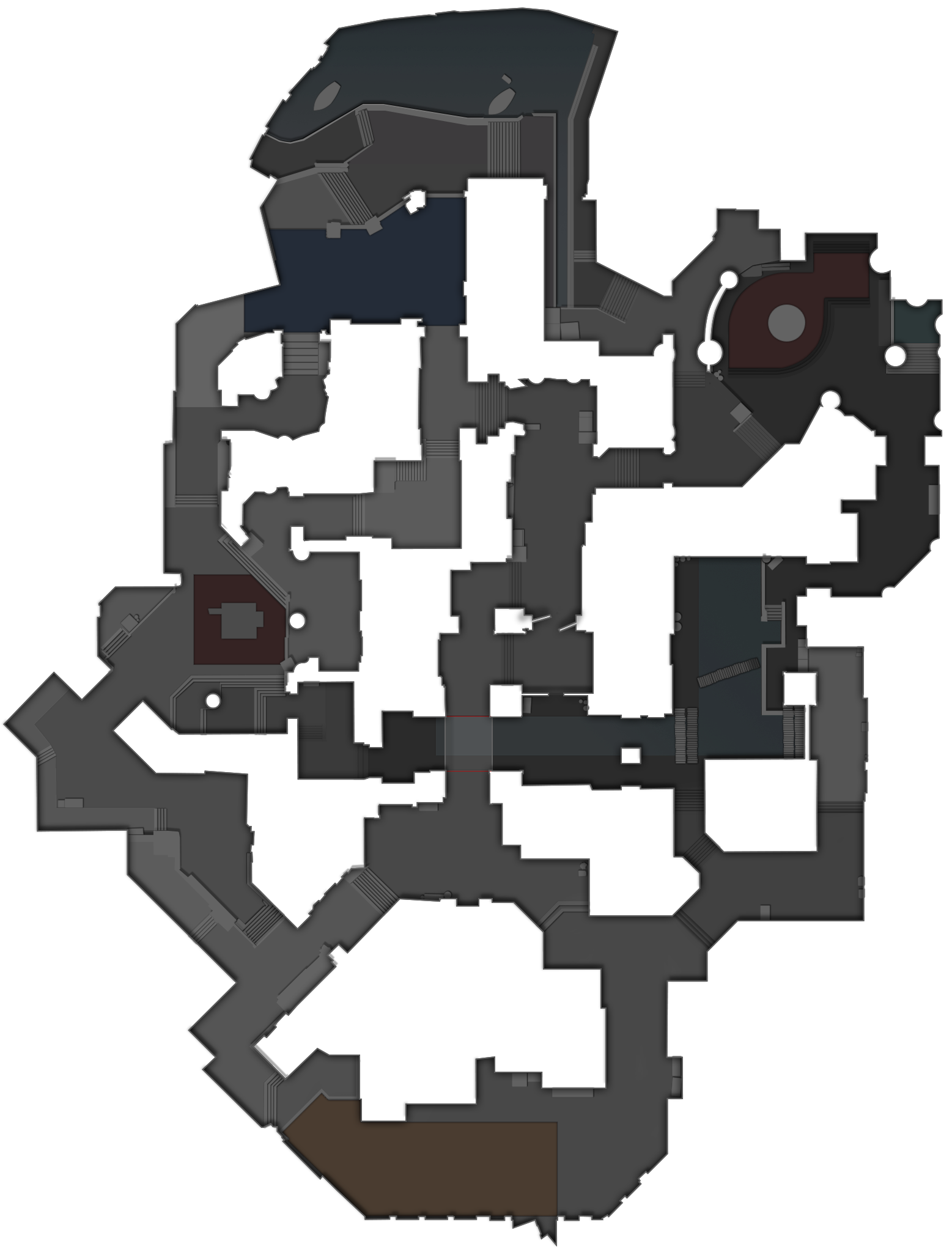
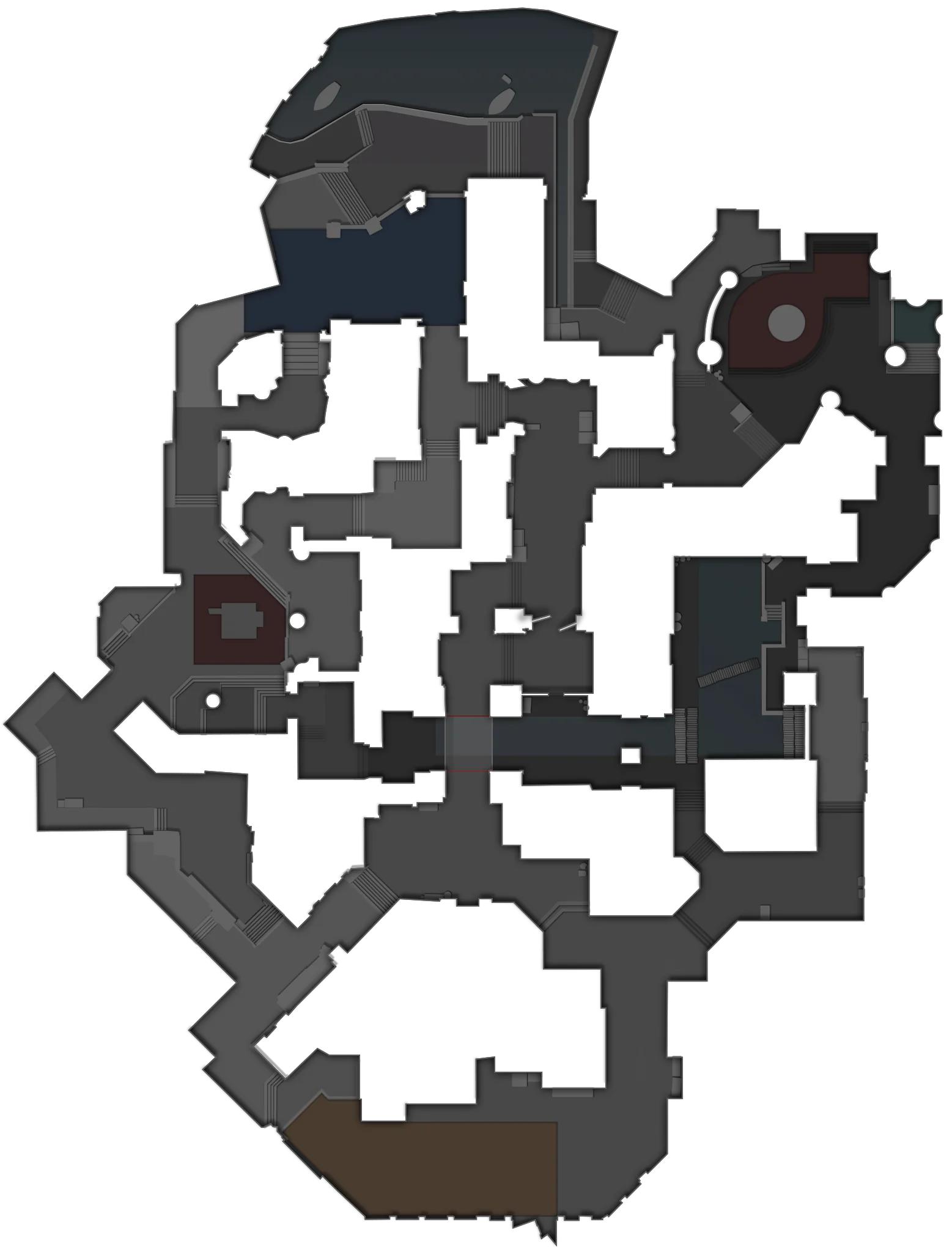
VODLens turns your demos into replays you can review in your browser. Explore player positions, routes and events to analyse your game and discuss decisions with your team.
Review your decisions and your team’s actions: positions before contact, entry timings and opportunities to trade.
Pause before the duel. See your position and where your teammates were — could someone trade you?
Review whether to take the contact or wait for support.
Compare the same moment across the team. Trace the routes and check when each player reached the contact position.
Discuss the spacing and timing to practise together.
Replay the round, compare player routes and inspect the events that changed the score.
Move through every parsed round without loading the original demo again.
See rotations and timings across the whole map, not from one player camera.
Kills, grenades and trades stay attached to the exact moment they happened.
These numbers come from one parsed Vitality against Liquid map. The replay keeps the data behind every one of them.
Choose a view to see how the map, loadouts, replay controls and event timeline work.
Where the five stood when the round turned, not where the highlight clip starts.
The economy behind a force buy, read off the same frame as the map.
Switch rounds without reopening the demo. Parsed rounds open instantly.
Smokes, flashes and the kills they bought, lined up on the timeline.
Every published map lands in your match centre on vodlens.space. Open a replay from any browser or send the link to a teammate. No install on their side.
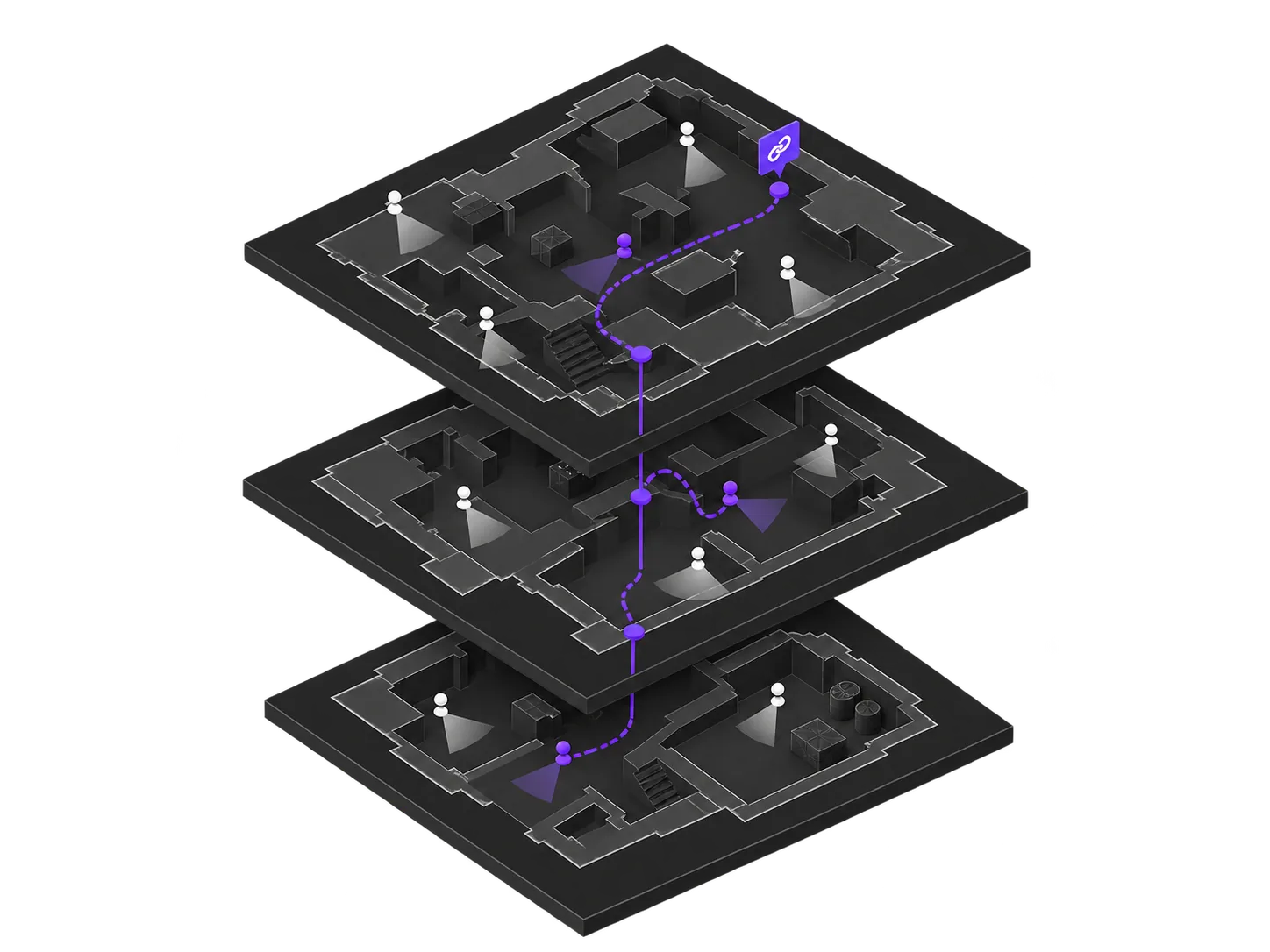
Every account starts on the free plan, with no time limit. Paid plans raise the ceilings on published matches, storage and team seats.
Upload a .dem file from a practice or competitive match. VODLens prepares the replay so you can review it on your own or with your team.
An account is required to upload. After processing, the match is published and available by link.